It started while I was still a student at the school, with content updates and the occasional new feature. Since then I have redesigned and rebuilt the site from the ground up twice, on my own, and I looked after it from 2023 until my support ended in 2025.
It runs on my own server, next to the rest of my work.
02
What the site does
A school site serves two groups at once: families deciding whether to apply, and the students and parents already at the school, who need this week’s news and forms. The menu follows them: the school itself, parents and students, news, the gallery and downloads.
2.1
One visual language, many layouts
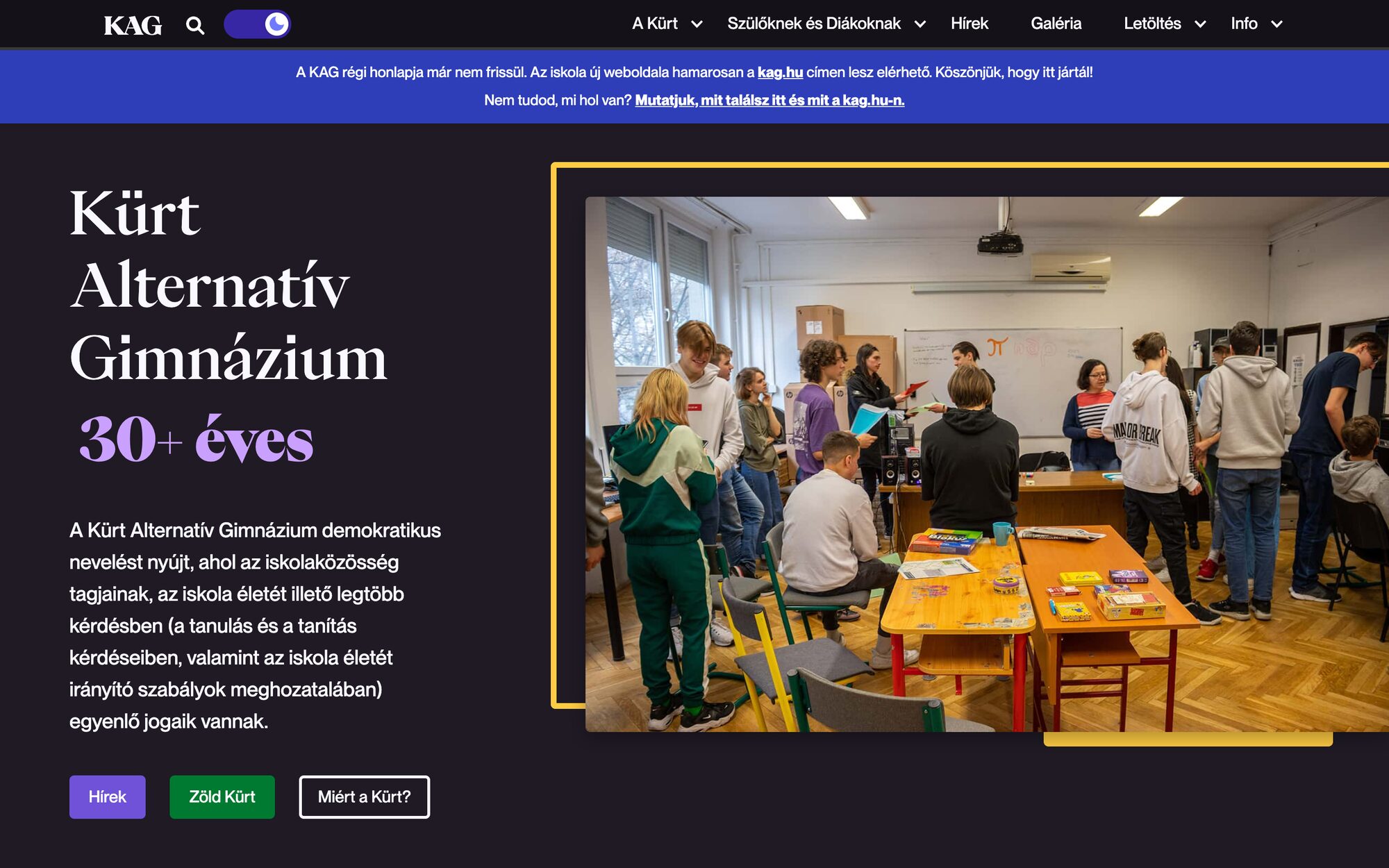
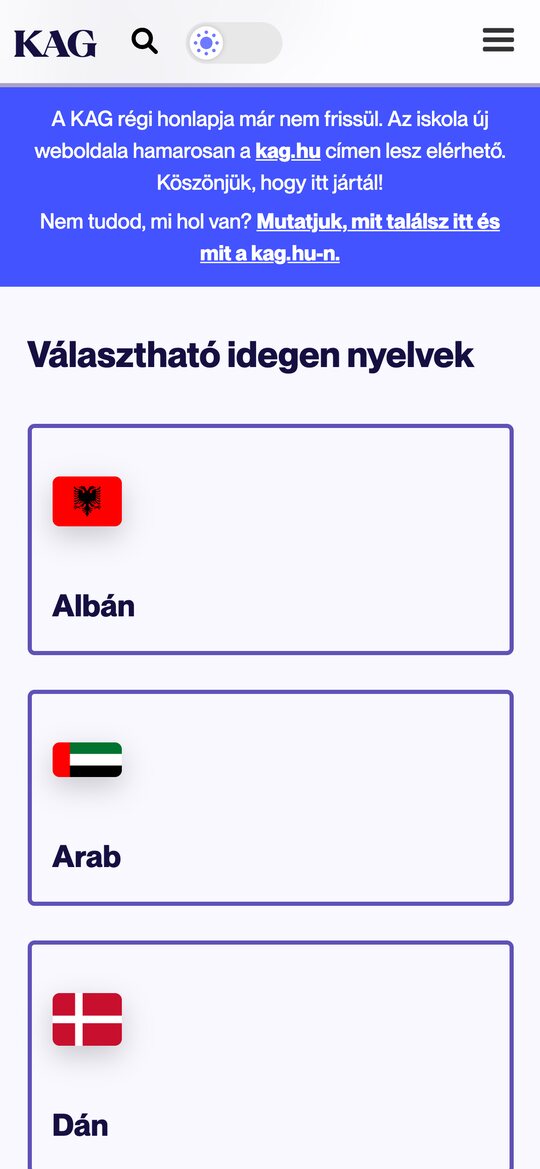
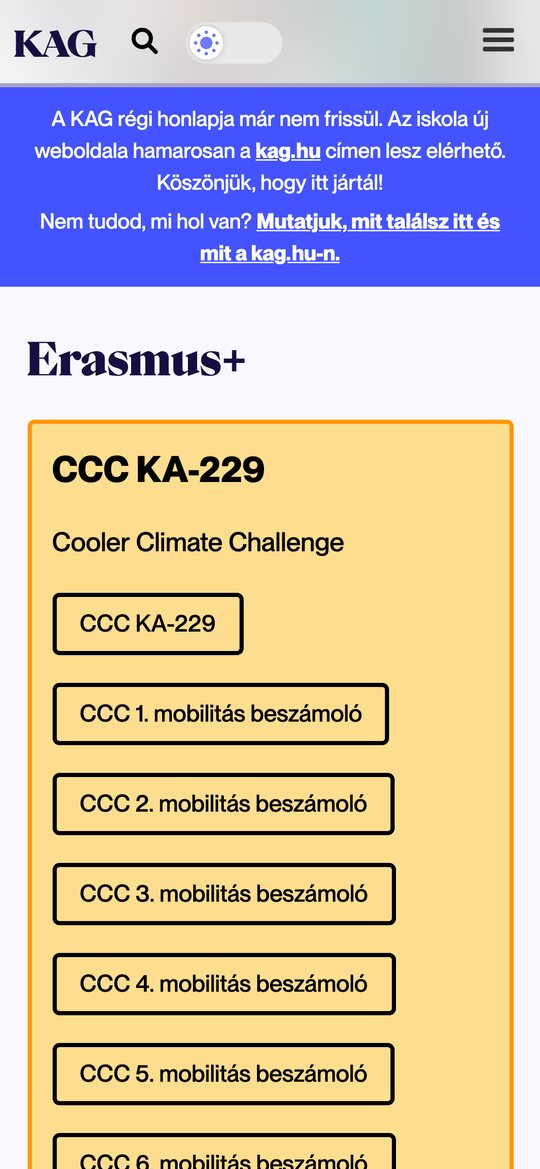
Every page speaks the same language: outlined cards, purple and yellow fills, rounded photos. The variety comes from how the pieces combine, from the subject tiles and the Erasmus+ board to a price table for the canteen’s weekly menu.
Detail · The canteen’s weekly menu
2.2
Light or dark
A switch in the header changes the whole site between a dark and a light theme. The screens above show both.
DarkThe home pageLightThe same page
2.3
Admissions in one place
Applying means a handful of forms and deadlines, so the downloads applicants need are collected on one page, in coloured cards.
Detail · Admissions
2.4
News that stays on top
Important posts can be pinned above the rest, so deadlines and announcements don’t sink under the week’s news. Every card shows its date and author.
Detail · Pinned news
2.5
On a phone
The tiles and cards fold into one column, and the menu moves behind a button.