Why it moved
I built the shop’s site in Webflow, without code. When Webflow’s pricing became the problem, I moved it to Laravel, with AI doing the heavy lifting under my direction, onto my own server.
The shop has since closed. The site stays online as an archive.
What the site does
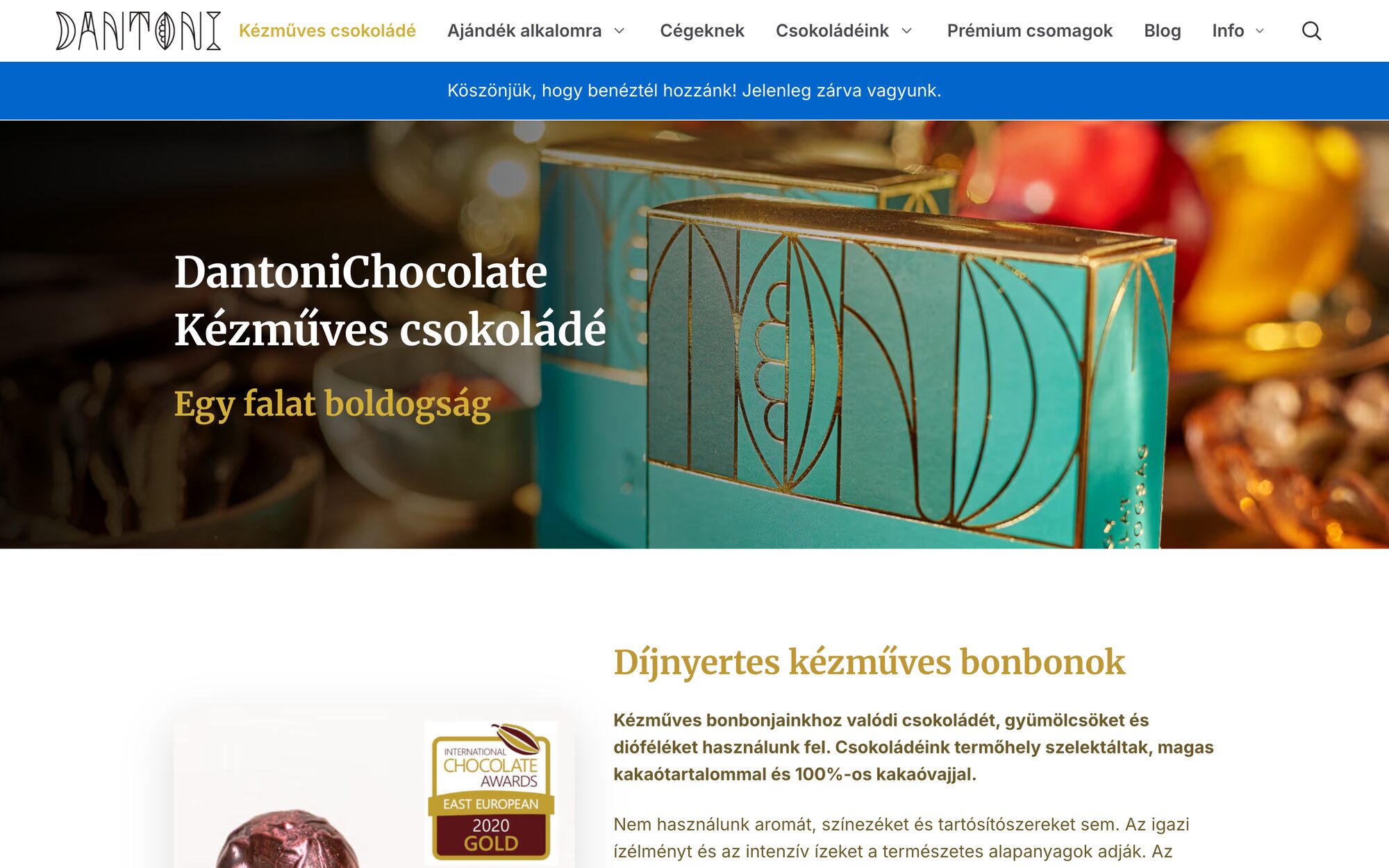
The site is the shop’s window: handmade bonbons, gift boxes for every occasion, and custom gifts for companies. It had to show each box properly and make choosing one simple.
One page for every version
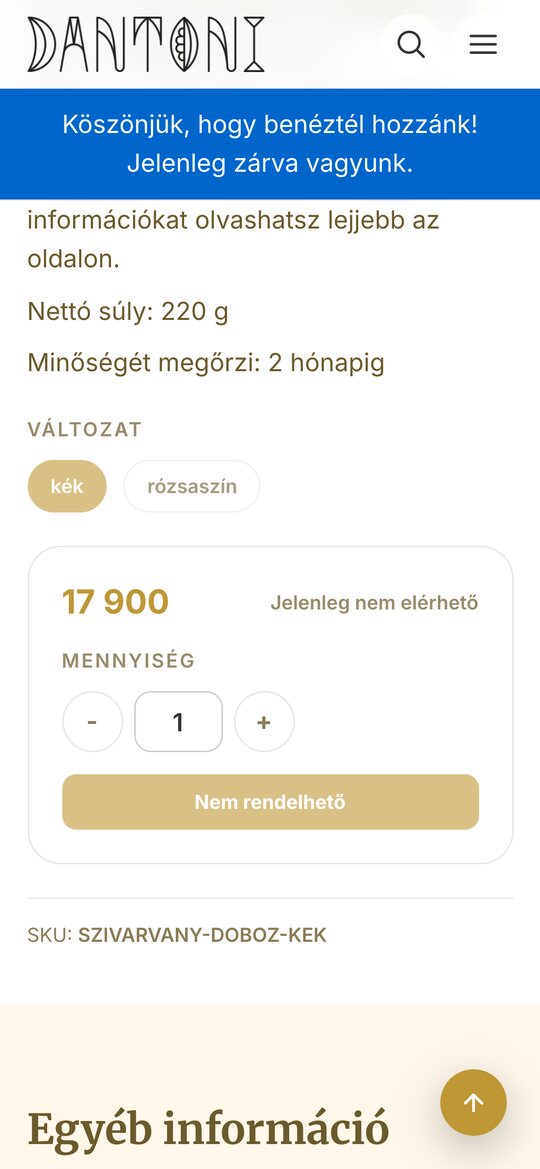
Some boxes come in more than one version: the Rainbow box in blue or pink, a Christmas box with a fir tree or an ornament, a wine box with or without the wine. Each product keeps one page with a version picker, and the price, quantity and article number sit right beside the choice.
Every box shown properly
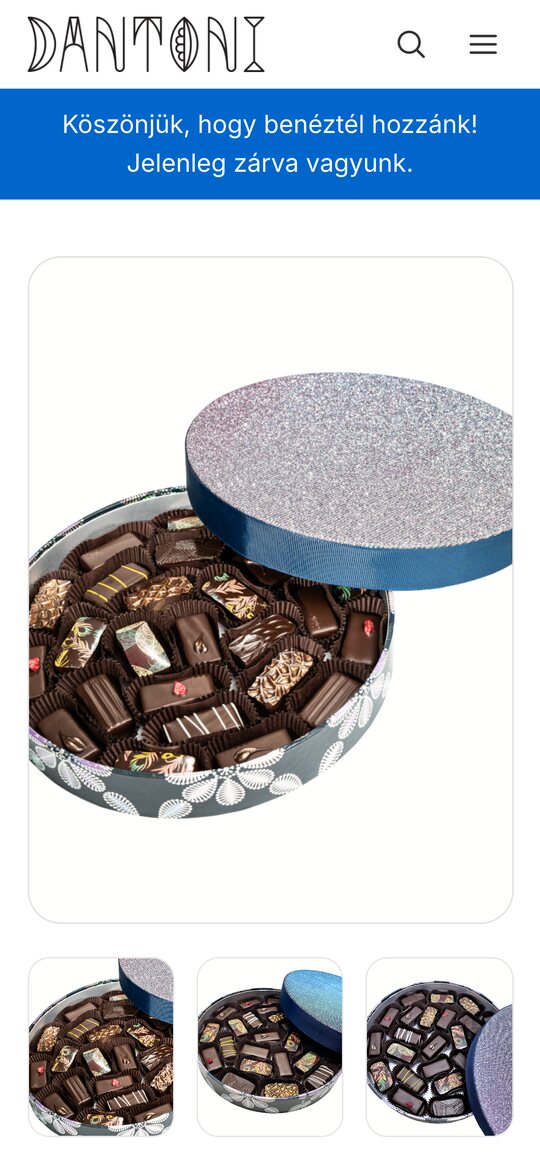
Every box gets several photos and a full description, what is inside, the weight and how long it keeps, so you know exactly what you are giving.
The port
Webflow’s export was badly structured, which is a design problem in itself. So the port started with the data.
- 3.1Parsing the export was automated.
- 3.2Every image was renamed and sorted into a clear structure.
- 3.3Photos are served as AVIF and WebP at up to ten widths, from 240 to 1,920 pixels, with a JPEG fallback.
- 3.4Images below the fold load only when they are needed.
- 3.5Products and orders came over through import commands, with a dry run first.
- 3.6New uploads in the Filament admin get their image sizes automatically.
Measured on a phone
Lighthouse on mobile, before and after the port, together with the Network and Sources tabs in Chrome’s developer tools, showed what the work changed.

What it taught me
- 4.1Badly structured data is a design problem in itself.
- 4.2AI can carry a port like this, as long as I set clear limits and check the result.